How to Watch IPTV on Apple TV, iPhone and iPad
Apple TV has no web browser, so you cannot install a player from a link the way you would on a Firestick. Everything comes from the App Store. A free player such as GSE Smart IPTV plus your login is all you need, and the same steps work on an iPhone and iPad.
Why Apple devices are different
On a Firestick or an Android box you can install an app from a download link. Apple TV doesn't allow it: no browser, and every app must come from the App Store. The only other way would be jailbreaking, which we don't recommend.
So the method is simple: install an IPTV player from the App Store and add your subscription inside it. GSE Smart IPTV is a popular pick, and thanks to the Xtream-Codes API option you don't need an M3U file, just your server address, username and password.
What you need
- An Apple TV (HD or 4K), an iPhone or an iPad with an internet connection.
- The GSE Smart IPTV app from the App Store, or any other player that supports Xtream Codes.
- Your 4K Empire login: server URL, username and password.
How to set up IPTV with GSE Smart IPTV
Step 1: Install the app
Open the App Store on your Apple TV, search for GSE Smart IPTV and install it. On Apple TV it shows up as GSE SMART IPTV PRO. On iPhone or iPad, search the App Store in the same way.
Step 2: Go to Xtream-Codes API
Open the app, bring up the side menu on the left and choose Xtream-Codes API.
Step 3: Add your login
Select the yellow + button and complete the form:
| Field | What to type |
|---|---|
| Name | Anything you like, for example "4K Empire" |
| Server URL | http://server-address:PORT, exactly as we sent it |
| Username | Your username |
| Password | Your password |
Step 4: Press ADD and enjoy
Choose ADD to save, then open your new playlist. GSE Smart IPTV loads the live channels, the TV guide (EPG) and the movies and series library.
http:// or https:// exactly as you received it.Finding your username and password
If you only have an M3U link, your login details are hidden inside it. Look for what comes after username= and password=:
http://server-address:PORT/get.php?username=your-username&password=your-password&type=m3u&output=ts
Everything before /get.php is your server URL. Copy each part exactly, capital letters included.
Apple settings that help
- Use the network port on Apple TV 4K. The Wi-Fi + Ethernet model has one, and it is the steadiest way to watch live sport.
- Set your region to Ireland in Settings, so dates, times and the App Store all match.
- Enter your login once per device. After that, the player remembers it.
Which Apple device works best for IPTV?
All three devices run the same player apps, but they suit different viewing:
| Device | Best for | Tip |
|---|---|---|
| Apple TV 4K | The main TV in the sitting room | Use Ethernet for live sport and 4K |
| iPad | Kitchen, bedroom or the kids | Turn on Guided Access to keep children in one app |
| iPhone | Watching on the go | Check your mobile data allowance before streaming |
Can I AirPlay from my iPhone to the TV?
Many players support AirPlay, so you can send a channel from your iPhone or iPad to an Apple TV or an AirPlay-compatible smart TV. It works, but a player installed directly on the Apple TV is usually smoother, because the phone does not have to stay on and connected.
Not on Apple? See the guides for Android and Firestick.
Frequently asked questions
Can I install an IPTV app from a website on Apple TV?
No. Apple TV has no web browser and only installs apps from the App Store, so you use a player available there, such as GSE Smart IPTV.
Do I need an M3U file for GSE Smart IPTV?
No. With the Xtream-Codes API option you only need the server URL, username and password.
Do the same steps work on iPhone and iPad?
Yes. Install GSE Smart IPTV or another Xtream Codes player from the App Store and enter the same login details.
Is Apple TV good for IPTV?
Yes. The Apple TV 4K is fast and stable, and with an Ethernet cable it plays HD and 4K streams smoothly.
Does it work on both iPhone and iPad?
Yes. Install a player such as GSE Smart IPTV from the App Store on each device and enter the same login details.
Can I use the same login on my iPhone and Apple TV?
Yes, enter the same details in the player on each device. Your plan sets how many can play at the same time.
Not sure your device is up to it?
Tell us on WhatsApp what you are watching on and we will say honestly whether it will cope. The 24-hour free trial lets you check for yourself. See the plans, from €9.99 a month.
Get a Free TrialKeep reading
How to Set Up IPTV on Android TV, Android Box and Phone
One simple method for every Android device: TV, box, phone or tablet. Ready in about 5 minutes.
Read the guide →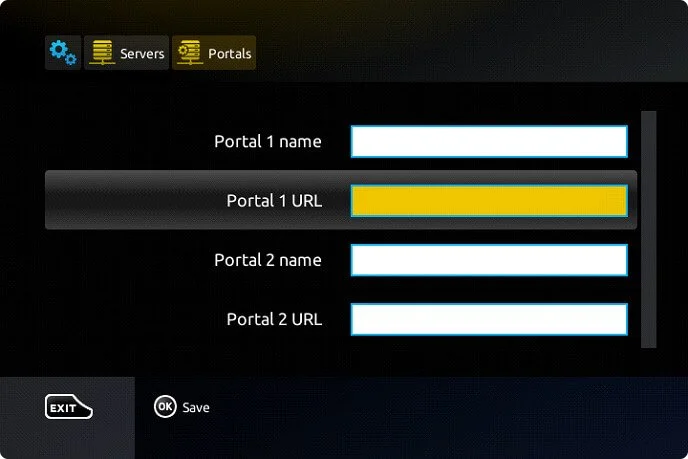
MAG Box Portal Setup: How to Add IPTV to a MAG Box
Add your IPTV portal to a MAG 322, 324, 420 or 524 in about 5 minutes, step by step.
Read the guide →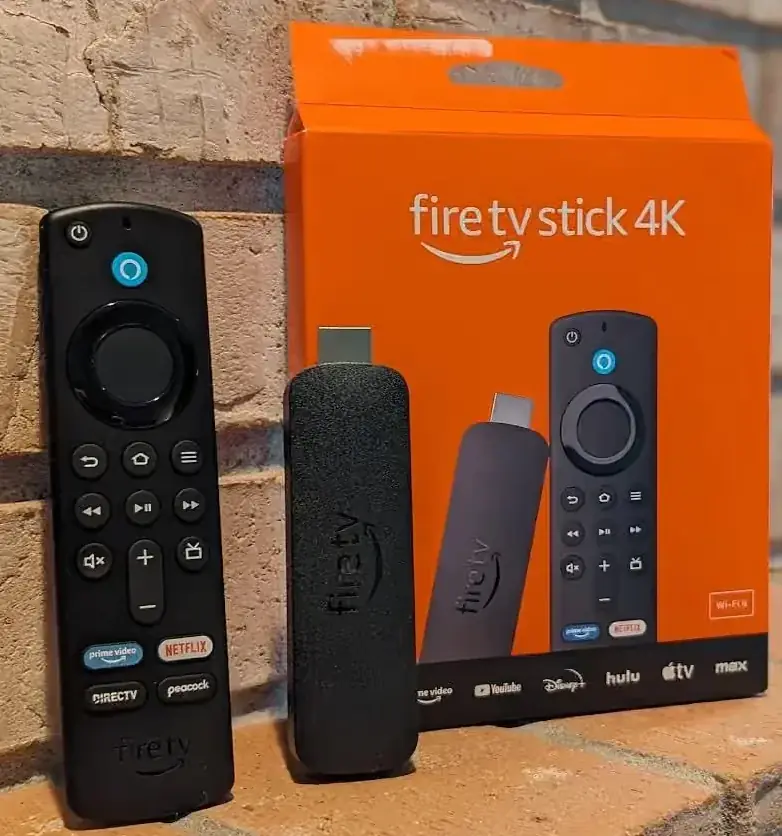
The Best Android Box for IPTV in Ireland
Smart TV missing your IPTV app? Compare the Xiaomi TV Box S, Fire TV Stick 4K and Nvidia Shield.
Read the guide →